
Your Jira tickets, turned into code.
You pick a project, connect Jira, select the tickets you want to build, and Feature Builder assembles the necessary context and generates the code for each feature.
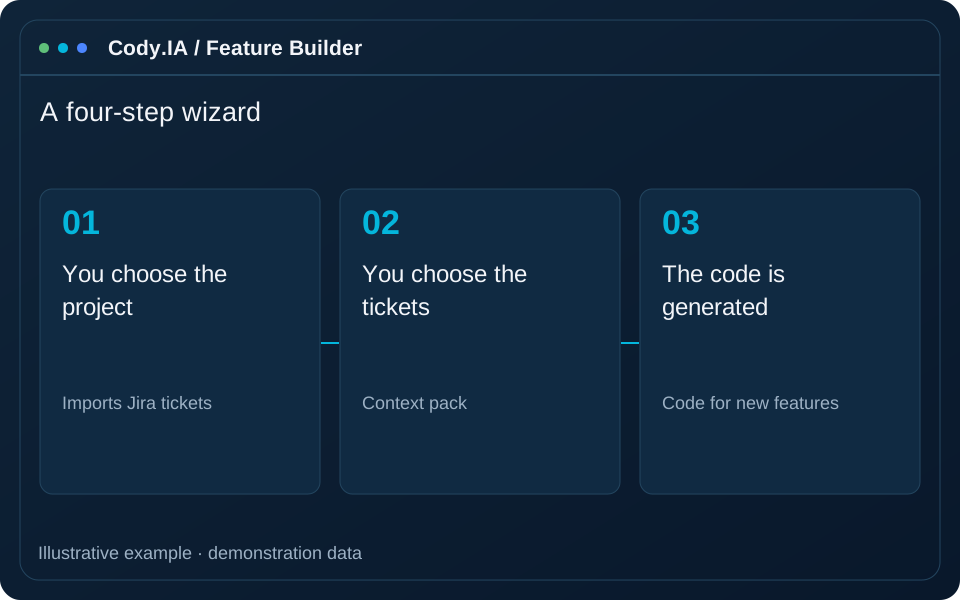
- Imports Jira tickets
- Context pack
- Code for new features
- Step-by-step wizard
Going from a ticket to code takes too many detours.
Feature Builder joins what the business asks for in Jira with what the system already knows, and produces a first implementation to review.
Copy-pasting context
Each developer gathers by hand what they need to understand the ticket.
Tickets disconnected from the code
The ticket talks business and the code talks something else; the bridge is missing.
Slow start
Starting every feature from scratch consumes valuable time.
A four-step wizard
-
1
You choose the project
Select the project and see the summary of the Explorer analysis.
-
2
You connect Jira
Enter your organization URL, email and a token; the connection is saved.
-
3
You choose the tickets
Browse your Jira projects and mark the tickets you want to build.
-
4
Validate understanding and generate
Review the interpreted story with project context before generating an initial implementation.
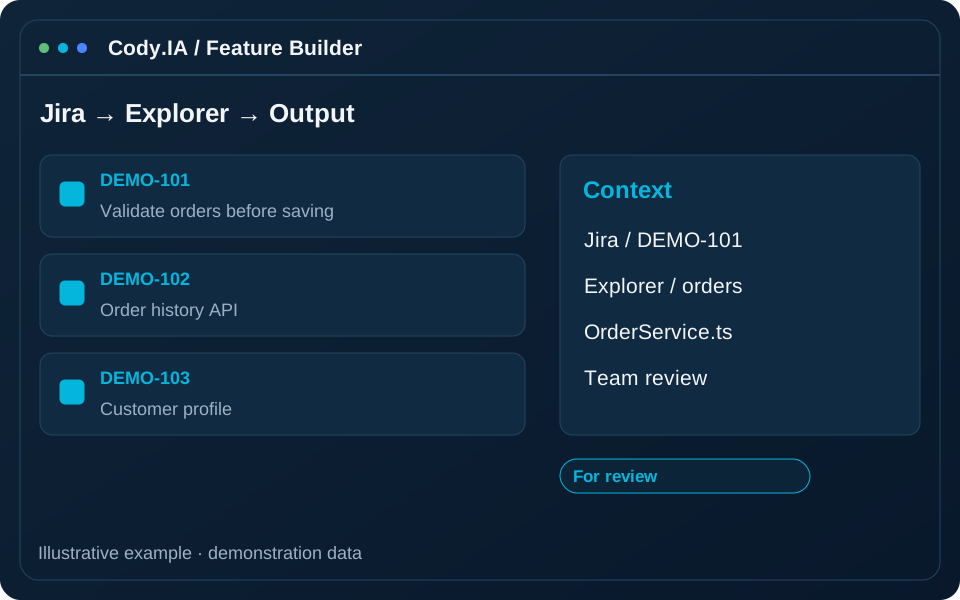
The flow combines project, Explorer, Jira, understanding and generation. A clear ticket and validated interpretation improve the starting point for technical review.
From backlog to code
Import from Jira
Bring the tickets from your Jira projects, one or several at a time.
Context pack
Combines the ticket with your project’s knowledge to provide the right context.
Code for new features
Generates a first implementation ready for review.
Guided wizard
A step-by-step flow, no complex configuration.
Saved connection
The Jira connection is saved so you do not repeat it.
Connected to Explorer
Takes advantage of the analysis you already did of your project.
When to use it
From sprint to code
Select Jira stories and connect them with project analysis to start implementation with context. Review the understanding and validation stage before generation, especially when a ticket leaves rules or exceptions implicit.
Speed up the start
Give the team an initial implementation to discuss and review. Compare output against the story, identify dependencies and define required tests before integrating changes into the working branch.
See the ticket take shape
Check how the requirement is interpreted before turning it into code. The understanding stage helps reveal ambiguity and clarify scope with development, using the Jira story and system context.
Connects with your tools
Your credentials, handled with care
Your own connection
Each account uses its own connection to Jira.
You choose what
Only the tickets you select are brought in.
Human review
The code is generated for you to review before using it.
Frequently asked questions
Turn your sprint into code
We connect your Jira and generate a first implementation of one of your tickets.