
Your team’s AI, in the chat where they already work.
Cody lives in Microsoft Teams and brings together product, architecture, quality and operations knowledge. Message it like a teammate: it answers, plans and, with your confirmation, runs real actions such as creating Jira tickets.
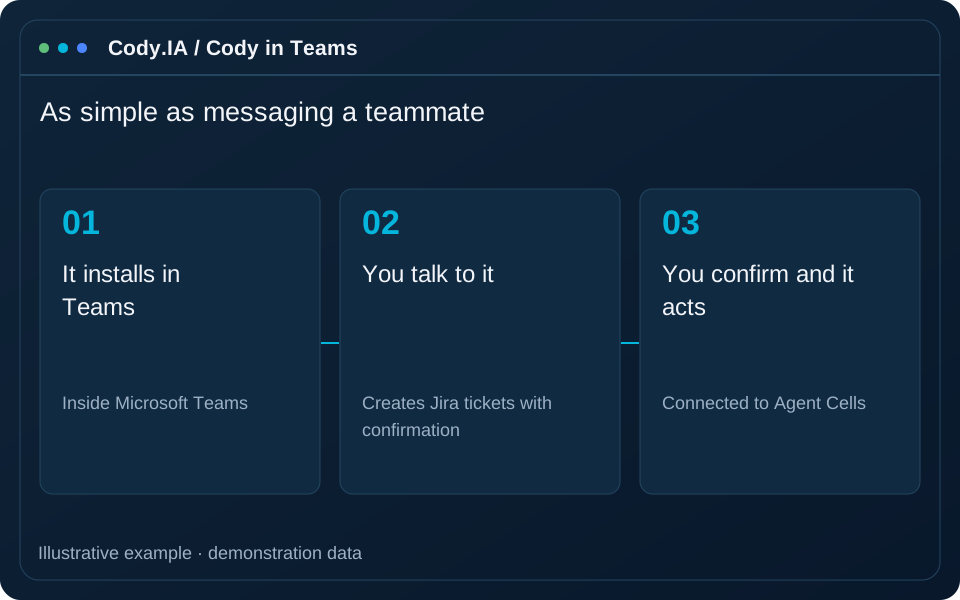
- Inside Microsoft Teams
- Creates Jira tickets with confirmation
- Connected to Agent Cells
- Configurable without coding
Knowledge is scattered and your tools are far from the chat.
Cody brings AI to where your team already talks. Without opening another app, anyone can ask, decide and act; and it always asks for confirmation before doing anything in your systems.
Context switching
Jumping between chat, Jira and documents slows the team down and hides information.
Repeated questions
The same product and architecture questions get answered over and over.
Tasks nobody logs
Decisions made in meetings never reach the backlog, or arrive late and half-done.
As simple as messaging a teammate
-
1
It installs in Teams
Your administrator publishes it in Microsoft Teams and it becomes available to your team in direct chat.
-
2
You connect your tools
From the “Bots” section of the platform you set up Jira, Confluence and Git for your account, no coding.
-
3
You talk to it
Ask questions, request a plan or a review and get an answer with the combined knowledge of every role.
-
4
You confirm and it acts
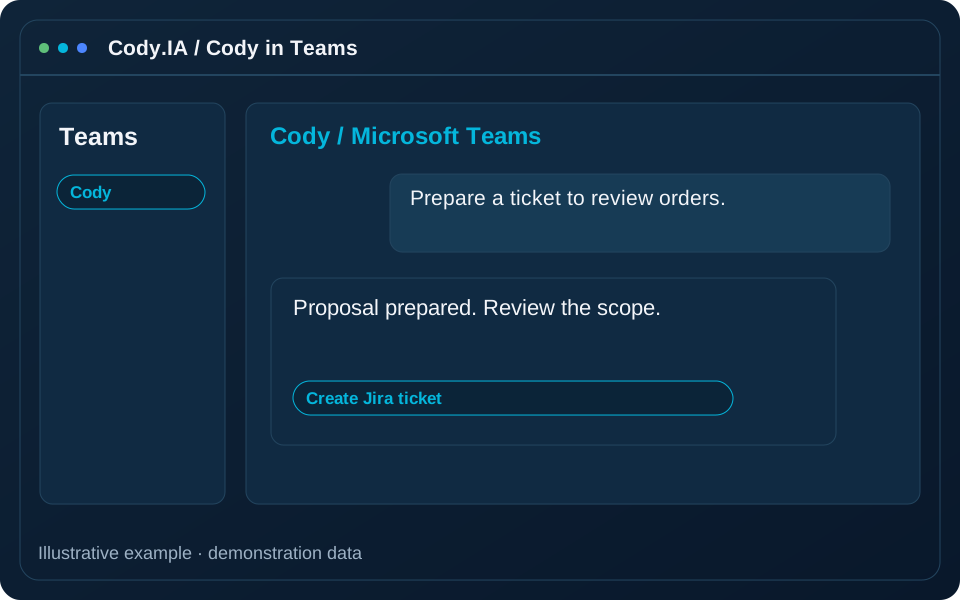
Before any real action, Cody shows you what it will do. With your “yes” it runs it and reports back.
Teams installation and integrations require account configuration. Cody proposes actions and requests confirmation before executing them.
More than a chatbot: a member of the team
Combined knowledge
Answers with the product, architecture, quality and operations view in a single conversation.
Real actions with confirmation
Creates Jira tickets in your account’s project, always after your confirmation in the chat.
Connected to Agent Cells
Checks the status of your cells and prepares plans for your agents to build.
Understands your documents
Share files and text in the conversation so it can summarize or analyze them.
Configurable without code
Pick the AI model and integrations from the platform, with no redeploy.
Role-based bots
Besides Cody there are bots specialized by role (product, management, architecture, QA, DevOps and sales) for every need.
A bot for every moment of work
Answers and plans instantly
Bring a technical question or planning need into team chat. Cody uses available context and integrations to prepare an answer or plan you can check against sources and share in the conversation.
From chat to backlog
Turn an agreement into a ticket proposal with clear scope and next steps. Before creating a Jira action, check content, target project and account permissions, then confirm the operation in the conversation.
Customer follow-up
Use meeting and document context to prepare summaries and next steps for team review. Role and integration availability is configured in the platform; capabilities announced as upcoming retain that status.
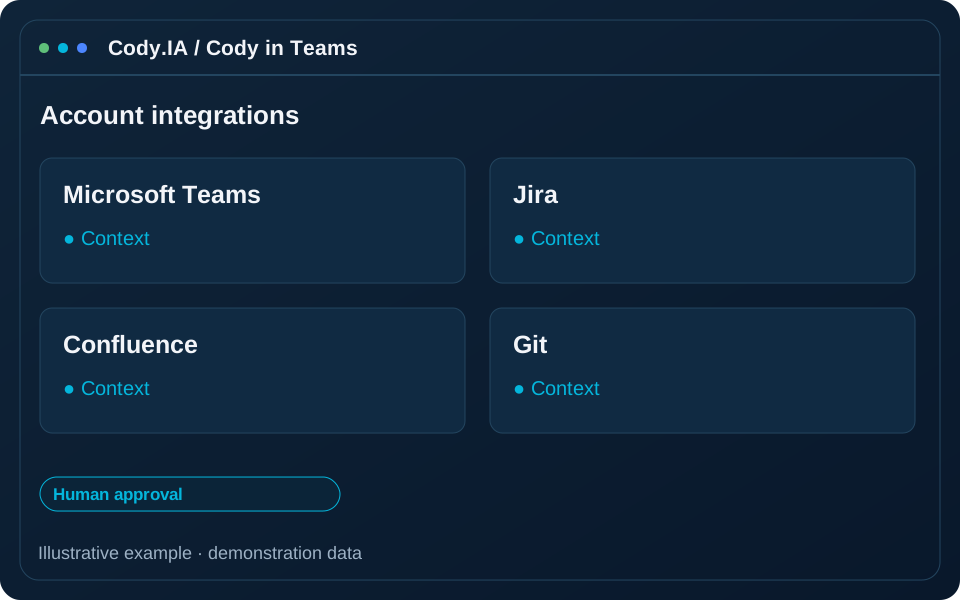
Works with your tools
AI in your chat, under your rules
Confirmation before acting
No action on your systems happens unless you confirm it in the conversation.
Encrypted credentials
Your integration credentials are stored encrypted and never shown in the chat.
Per account and organization
Each organization sets up its own integrations; data is never mixed between customers.
Frequently asked questions
Add Cody to your team
We will show it running in Microsoft Teams with your own tools: in a demo you see how it goes from conversation to action.