
An editor that understands your whole system, not just the file.
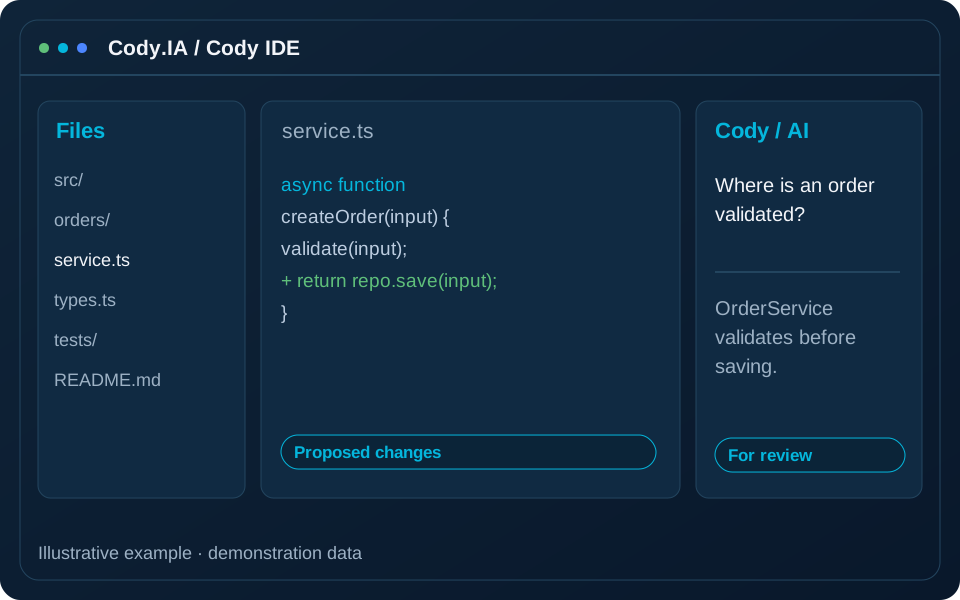
Unlike generic IDEs, Cody IDE works with the full context of your codebase: it suggests refactors, flags risks and documents as you type, integrated with the Cody orchestrator.
- Full system context
- Live risk alerts
- Automatic documentation
- Windows, macOS and Linux
Ordinary editors do not understand the system you are touching.
Cody IDE brings the orchestrator’s intelligence into your editor: you know what each change impacts before you make it.
Changes that break far away
Editing legacy code without seeing its dependencies causes unexpected failures.
Missing documentation
Nobody documents by hand and knowledge gets lost.
Code out of your control
Cloud assistants send your code outside, something many companies cannot allow.
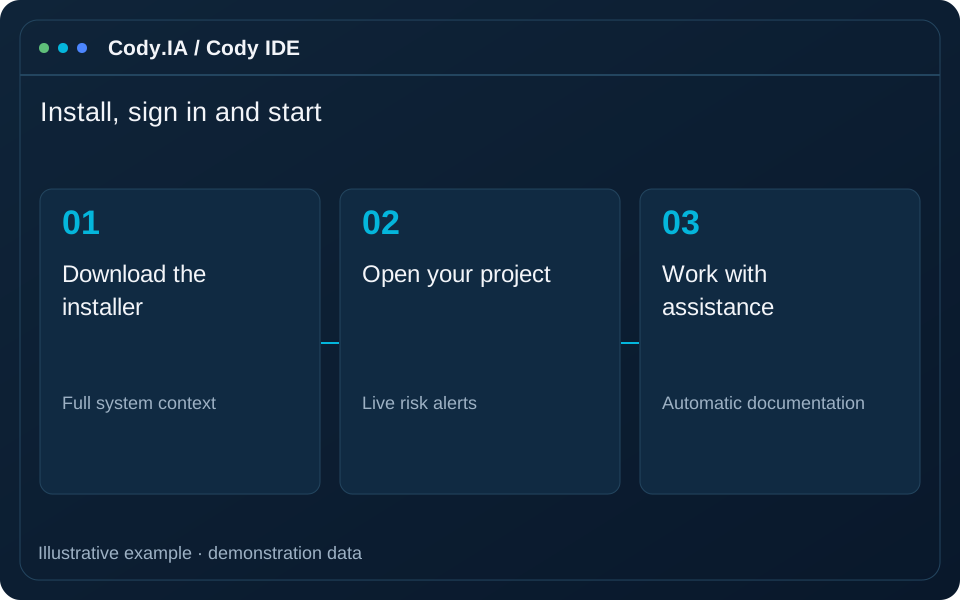
Install, sign in and start
-
1
Download the installer
Available for Windows, macOS and Linux from the downloads page.
-
2
Sign in
Log in with your platform account and the editor syncs with your orchestrator.
-
3
Open your project
The AI takes the full context of your system, not just the open file.
-
4
Work with assistance
Suggestions, risk alerts and documentation appear as you type.
Coordinate the installer version, platform connection and environment requirements. We validate the team workflow during the demonstration.
Built for code that matters
Context-aware assistance
Completions and suggestions grounded in your entire system, not just the open file.
Live risks
Inline alerts for security issues, breaking changes and technical debt.
Automatic documentation
Functions, APIs and business rules documented on save.
Built-in chat
Talk to the assistant without leaving the editor.
Runs on your infrastructure
Designed for environments where code cannot leave your network.
Legacy languages
Works with any language, including legacy-system ones such as COBOL, PHP, Java or .NET.
Who it is for
Work without fear of breaking things
Bring assistance into everyday code work and use project context to understand a function before changing it. Review suggestions as part of your development process, alongside tests and peer review.
Fast onboarding
Help new team members locate responsibilities and understand system decisions. Assistant queries complement documentation and team conversations, especially when a business rule needs confirmation.
Risk visible as you write
Use assistant observations to start an early review of changes. Agree which controls, scanners and tests must run in the pipeline before release; an editor suggestion does not constitute an audit.
Available for your operating system
Your code, under your control
No code leaks
Designed so that code stays within your environment.
Confidentiality agreements
Compatible with NDAs and isolated environments.
Session and licenses
Access managed from your platform account.
Frequently asked questions
Try the editor that knows your system
Download Cody IDE or request a demo to see it working on your own code.